Introduction
About this guide
This guide has been written to provide information on importing tasks. This is a more efficient means of adding a large amount of non-repeating tasks into the system.
Importing Tasks
Uploading Tasks onto MCS
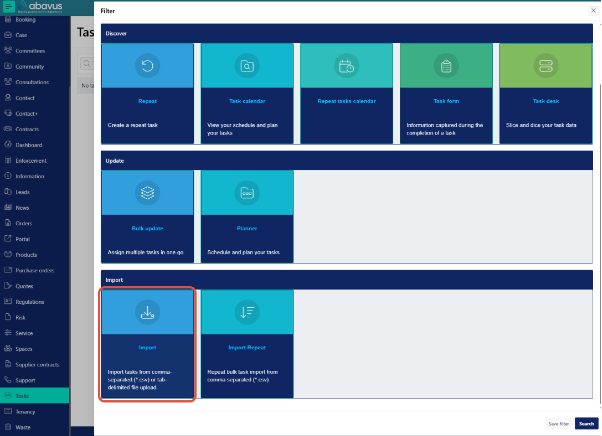
To import repeat tasks, go to Tasks > Options > Import
Next, the CSV template by clicking on the ‘Download template’ button.
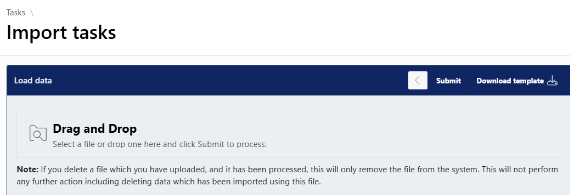
Then, fill in your task details in a CSV file, making sure to follow the sample data format. Once it’s complete, upload the file and click ‘Submit’ to import all your tasks at once.
To avoid the creation of duplicate tasks, ensure that you are not importing tasks that already exist on the system.
If the data from the CSV does not follow the sample data format, errors will appear next to that task under the ‘total error’ column. If errors are encountered, you must update and import the erroneous tasks again.
The scheduler will run on nightly basis to update the tasks.
If you want to import Repeating Tasks, please consult our separate documentation
Was this article helpful?
That’s Great!
Thank you for your feedback
Sorry! We couldn't be helpful
Thank you for your feedback
Feedback sent
We appreciate your effort and will try to fix the article